
GTA 6 Not Working? Launch Day Fixes for PS5 and Xbox
Quick answer: If GTA 6 won’t start, first make sure it has unlocked in your region and the day-one update has finished. Then try, in order: a full restart (not Rest Mode), check the PlayStation Network / Xbox status page, install system updates, Restore Licences (PS5) or sign out and back in (Xbox), rebuild the database in PS5 Safe Mode or clear the Xbox cache by a full power cycle, and reinstall only as a last resort.
It’s launch day. GTA 6 is finally out, and millions of people are trying to start it at the same moment. Servers get overloaded, patches arrive at the last minute, and some players see errors before they even reach the title screen. Most problems are temporary or fixed with a few steps.
Common Problems

“You can’t play this content yet”
The game unlocks at a set time. Check Rockstar’s or the store’s official announcement for the unlock time in your region, keep the console online, and try again when it’s live.
Download or update stuck
Pause the download, wait a minute and resume. If it’s still stuck, restart the console. On launch day, store servers are busy, so a slow update isn’t always your connection.
Game crashes or freezes
Make sure both the console system software and the game are fully updated. Close other apps, restart, and check the console isn’t overheating (clear vents, good airflow).
Licence or purchase error
On PS5, use Restore Licences. On Xbox, check you’re signed in with the account that bought the game and that this is your home Xbox.
Fixes, in Order

- Full restart: PS5: hold the power button until the second beep, or Power → Restart. Xbox: Settings → General → Power options → Restart now.
- Check service status: visit the PlayStation Network status or Xbox status page. If there’s an outage, wait.
- Update everything: PS5: Settings → System → System Software → System Software Update. Xbox: Settings → System → Updates. Then check the game for updates.
- Restore licences / re-sign in: see the steps below.
- Rebuild database (PS5) / power cycle (Xbox): see below.
- Reinstall: only if nothing else works. It’s a huge download.
Restore licences on PS5
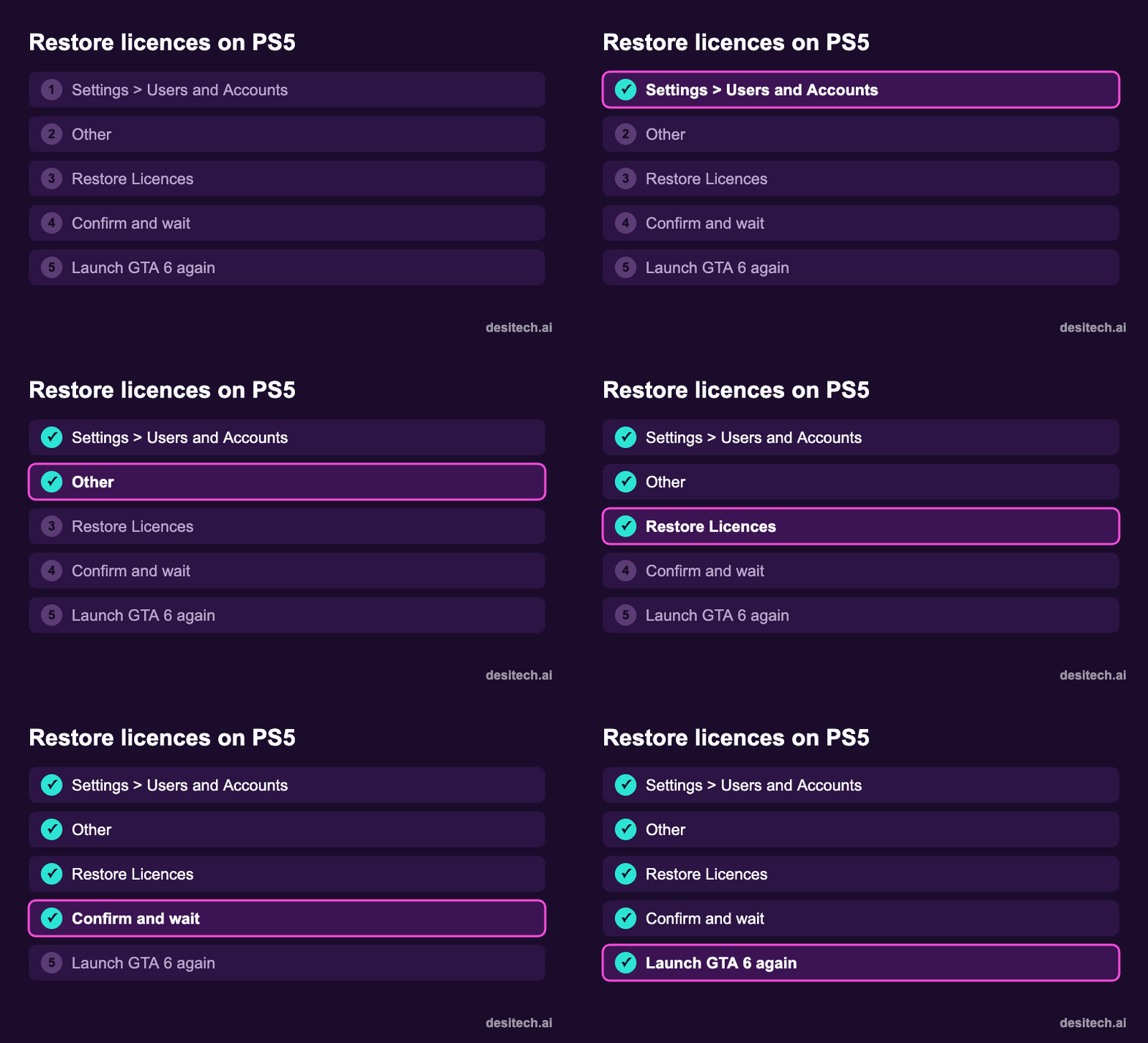
Settings → Users and Accounts → Other → Restore Licences → Restore. Also check Settings → Users and Accounts → Other → Console Sharing and Offline Play is enabled on your main PS5.
Rebuild the database on PS5
- Turn the PS5 off completely.
- Hold the power button until the second beep (about 7 seconds) to start Safe Mode.
- Connect the controller with a USB cable and press the PS button.
- Choose Clear Cache and Rebuild Database → Rebuild Database. It doesn’t delete games or saves.
Power cycle an Xbox
Hold the Xbox button on the console for about 10 seconds until it turns off, unplug it for 30 seconds, then restart. This clears temporary cache.
Xbox licence issues
- Make sure you’re signed in with the purchasing account.
- Settings → General → Personalisation → My home Xbox, and make this your home Xbox.
- Check Microsoft Store → Library to confirm ownership.
Online and Connection Problems
- Run the console’s network test and switch to a LAN cable if Wi-Fi is weak.
- Restart the router.
- If the status pages show issues, the only fix is waiting. Launch-day server problems are common for massive games.
| Problem | First thing to try |
|---|---|
| Can’t start yet | Check unlock time |
| Stuck update | Pause, resume, restart |
| Crash on start | Update system + game, restart |
| Licence error (PS5) | Restore Licences |
| Licence error (Xbox) | Home Xbox + correct account |
| Slow menus, glitches | Rebuild database / power cycle |
FAQ
Why can’t I start GTA 6 after preloading?
Preloaded games unlock only at launch time, and may need a day-one update first.
Does rebuilding the PS5 database delete GTA 6?
No. It reorganises data and doesn’t delete games or saves.
Is GTA 6 down right now?
Check the PlayStation Network status page, Xbox status page, and Rockstar’s official social accounts for announcements.
Should I reinstall GTA 6 if it crashes?
Only after trying the other fixes. Reinstalling means another very large download.
The Bottom Line
Most launch-day problems are unlock timing, unfinished updates or busy servers. Restart, check the status page, update, restore licences, rebuild the database, and only then reinstall.
Sources
- PlayStation Support: Restore licences, Safe Mode and Rebuild Database.
- Xbox Support: Power cycle your console, home Xbox, and game licence troubleshooting.
- Rockstar Games: Grand Theft Auto VI launch information.
