
🔐 System Cloner Feature: Hide Apps & Create a Secret Phone Inside Your Phone
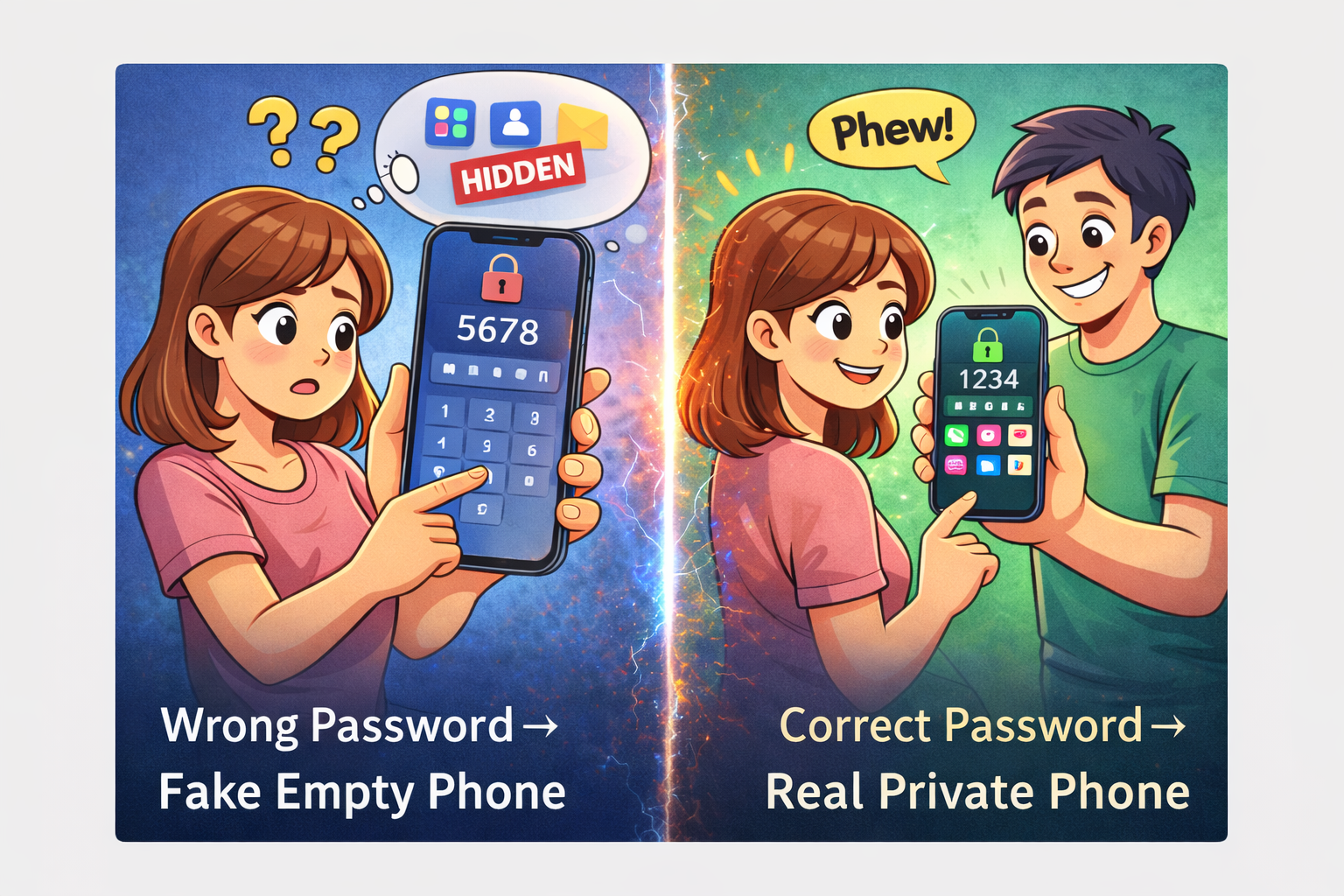
What if someone takes your phone and asks for your password…
You unlock it.
But instead of your real WhatsApp, photos, and apps —
they see a completely empty phone.
Sounds like a trick?
It’s called System Cloner — a hidden privacy feature available in many Android phones.
It’s not.
Let’s understand how it works and which brands support it 👇
📱 What is System Cloner?
System Cloner (also called Second Space on some devices) lets you:
- Create a completely separate phone profile
- Set a different password
- Access a clean/empty version of your phone
- Keep apps, gallery, WhatsApp and files separated
Think of it like:
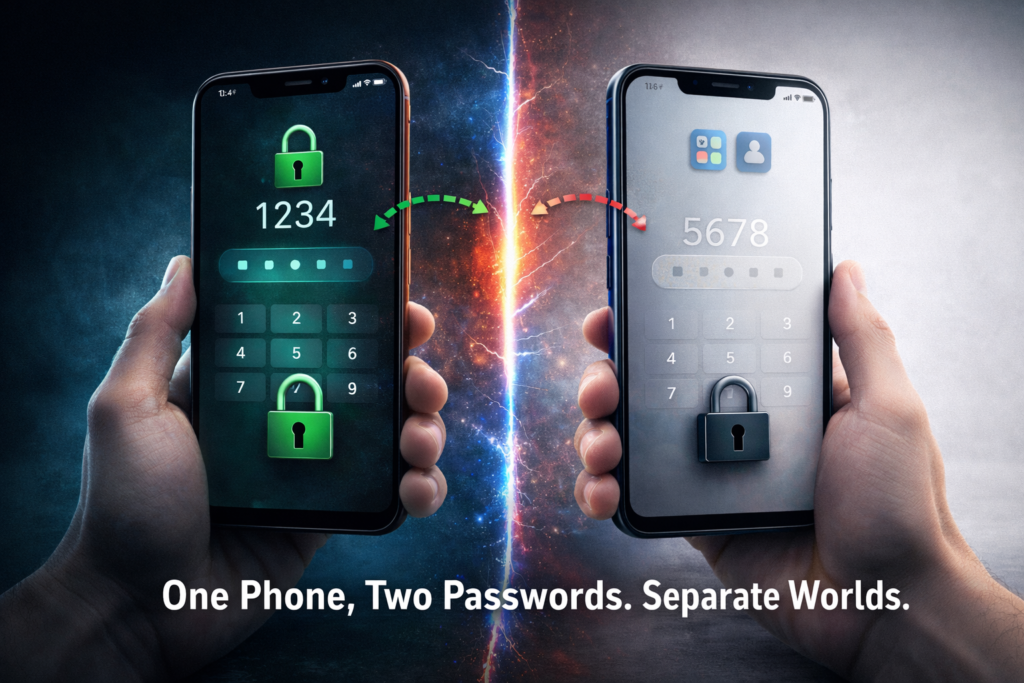
👉 One phone
👉 Two completely different worlds
👉 Two different passwords
🛡️ Real Life Use Case
Imagine:
- Someone forcefully asks to check your phone
- Parents checking apps
- Friends opening your gallery
- You want a separate work/personal space
With System Cloner:
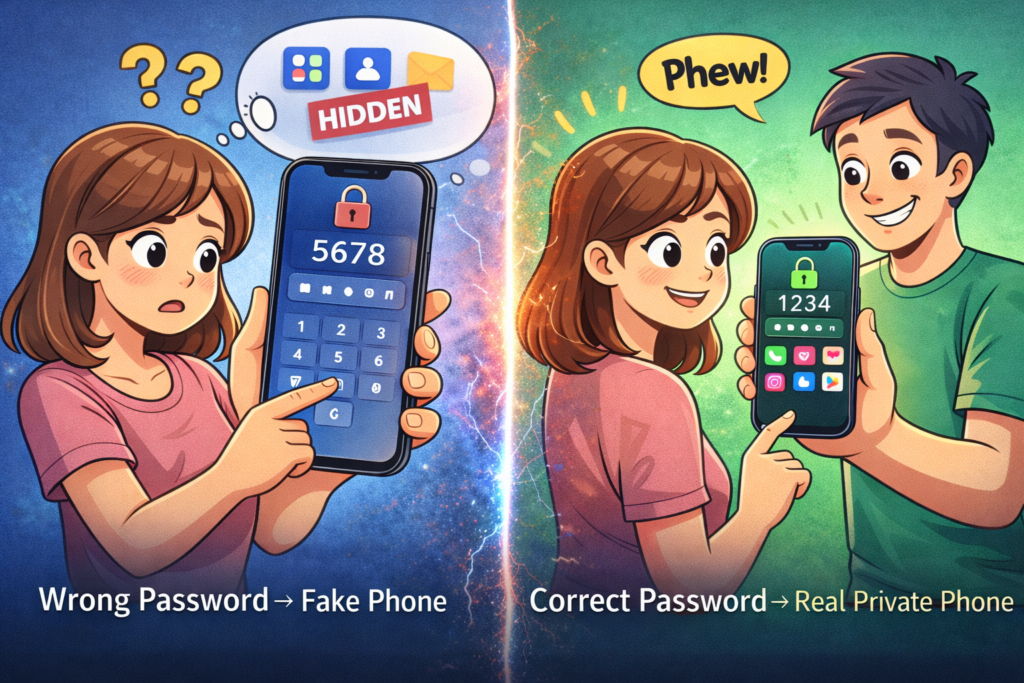
- Password 1 → Opens your real phone
- Password 2 → Opens a blank/secondary phone
Your data stays private.
📱 System Cloner Feature by Brand
📱 SAMSUNG
Feature Name: System Cloner / Clone
Settings → Security & Privacy → System Cloner
If not found try:
Settings → Biometrics & Security → System Cloner
⚠️ Note: Not available on all models.
📱 VIVO
Feature Name: System Cloner
Settings → Fingerprint, Face & Passcode → System Cloner
If not found try:
Settings → Privacy → System Cloner
📱 OPPO
Feature Name: System Cloner
Settings → Security & Privacy → System Cloner
If not found try:
Settings → Additional Settings → System Cloner
📱 OnePlus
Feature Name: System Cloner
Settings → Security & Privacy → System Cloner
If not found try:
Settings → Special Features → System Cloner
📱 MOTOROLA
Feature Name: System Cloner
Settings → Security & Privacy → System Cloner
If not found try:
Settings → Privacy → System Cloner
⚠️ May not be available on all models.
📱 XIAOMI / REDMI
Feature Name: System Cloner (Second Space on some models)
Settings → Security & Privacy → System Cloner
⚙️ How System Cloner Works (All Brands)
| Step | Action |
|---|---|
| 1 | Go to Settings |
| 2 | Open Security & Privacy |
| 3 | Scroll & tap System Cloner |
| 4 | Set a new/different password |
| 5 | New password opens secondary phone |
| 6 | Original password opens main phone |
It creates:
- Separate apps
- Separate gallery
- Separate WhatsApp
- Separate files
Completely independent.
🔎 Important Notes
- Mostly found on Chinese Android brands (Xiaomi, Vivo, OPPO, Realme).
- Samsung & Motorola may not support it on all devices.
- Feature name may vary (Second Space / Private Space / System Cloner).
If you can’t find it:
Search “Cloner” or “Second Space” in Settings search bar.
🧠 Is This Legal & Safe?
Yes.
This is an official inbuilt Android feature — not a hack, not an app.
It’s designed for:
- Privacy
- Work & personal separation
- Multiple user environments
🚀 Why This Feature is Powerful in 2026
In today’s world:
- Phones contain banking apps
- Private chats
- Personal photos
- Work documents
Having a second protected environment gives you control.
It’s not about hiding.
It’s about privacy.
📌 Final Thoughts
System Cloner is one of the most underrated Android privacy features.
Most people don’t even know it exists.
If your phone supports it — turn it on today.
And if you can’t find it, drop your phone model in the comments and check the exact path.
Raelme note 60
लोग स्कीन
Hii
Vivo y 39 5g
Amit kumar
JIGNESH THAKOR
Yas
Phon
Oppo A18 me nahi hai
Vivo T2X 5g me nhi hai kya
Hello
Samsung
Hello friends
Har har Mahadev ji 🥰🙏
Har har Mahadev ji 🥰🙏
Radha Krishna
Oppo a 31
Ayush
Vivo y31
Hii
Feature Name: System Cloner / Clone
Settings → Security & Privacy → System Cloner
If not found try:
Settings → Biometrics & Security → System Cloner
Subhash meghwal
Amit kumar
One plus
Realme A3 new phone
Oppo a5
Vivo t1 pro 5g
Nothing phone 3a me nhi hai
The human trafficking discussion is critical. Agentic AI could help nonprofits by detecting suspicious digital patterns, mapping trafficking networks from open-source intelligence, and coordinating response resources more effectively.
Realme 12X 5G me nahi aaya he
Hi
Oppo a6 pro 5g me nhi mil reha he
Vivo y17
Samsung galexy a14
Vivo y 400 pro
Me nahi he
Techno go 5G ki setting ka naam batao phone do device
Vivo e 28s