
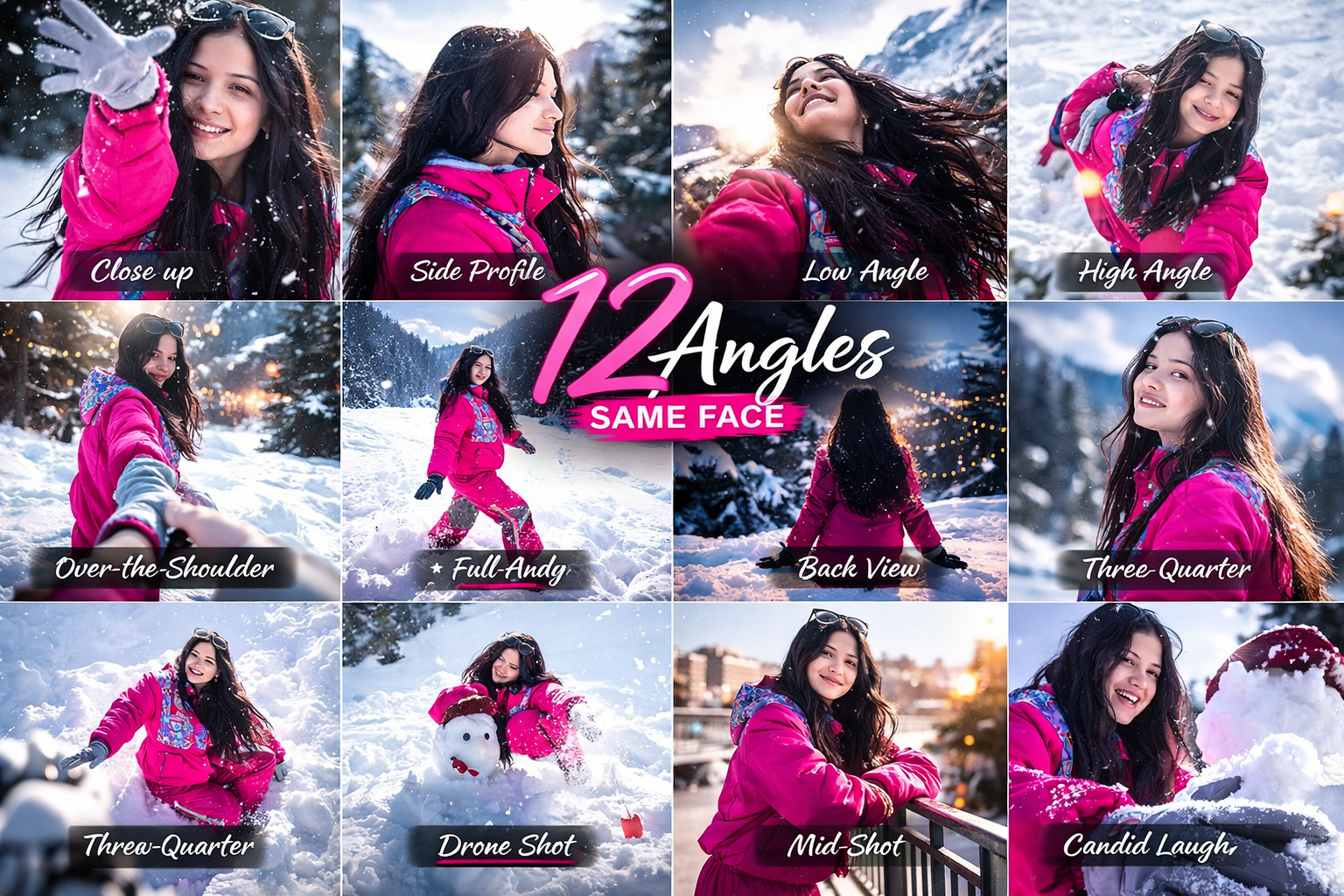
Get 12 Different Angles of Your Photo Using Gemini AI 📸✨
If you want to create 12 different angles of your same face using AI, this prompt works perfectly in Gemini AI.
With just one photo, you can generate multiple camera angles like close-up, side profile, drone shot, and more — all in a single image grid.
📝 Copy & Paste This Prompt
Just upload your photo in Gemini and paste the prompt below:👇
The 12-frame grid includes:
• Close-up portrait
• Side profile
• Low angle looking up
• High angle looking down
• Over-the-shoulder
• Wide full-body shot
• Dutch angle
• Back view looking at city lights
• Three-quarter view
• Drone shot
• Mid-shot leaning on a railing
• Candid laughing angle.

I have shared this photo with you. Please create one single image that includes the same face shown from 12 different angles, based on the angles listed above. The face must remain the same in all angles.
🚀 How To Use
- Open Gemini AI
- Upload your photo
- Copy the prompt above
- Paste it and generate
- Download your 12-angle image
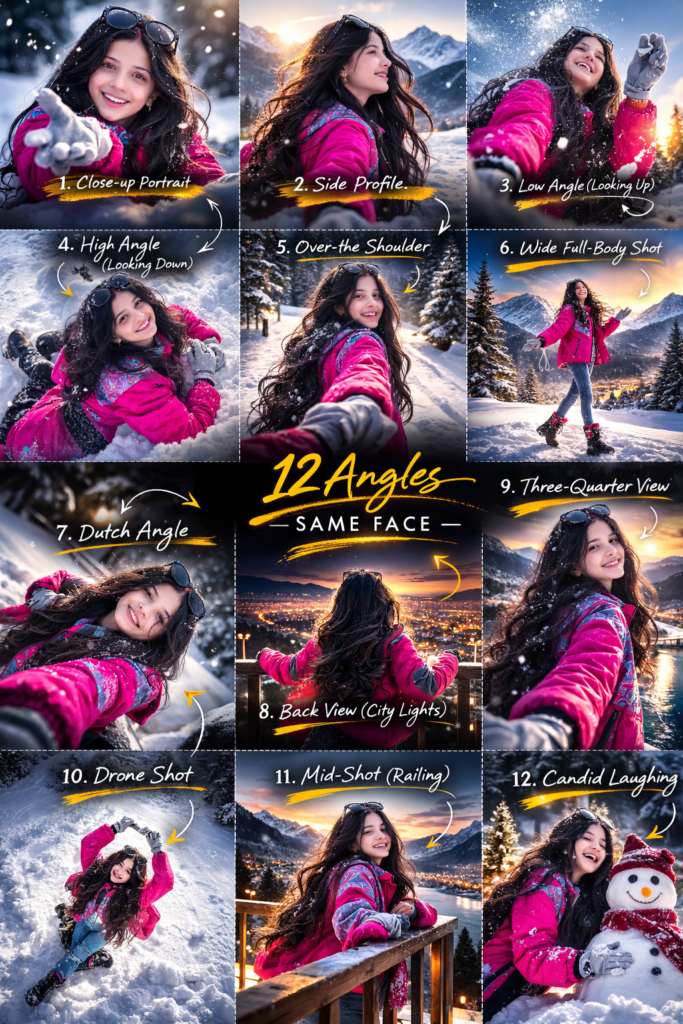
🔥That’s it! Now you can create a professional 12-angle photo grid from just one image.
Jrjeje
Pretty! This was an incredibly wonderful article.
Thank you for providing this information.
Please please
Very nice prompt ritu saini ji will we a thanks for
Cute photoshoot 😍
Amarjeet Kumar
Hgi
Disha Raikwar
Muskan kumar
Vishal Kumar
💖💖💖💖
Photo
Photo
Photo edit edit
Nice picture
Hk
☺️✨