
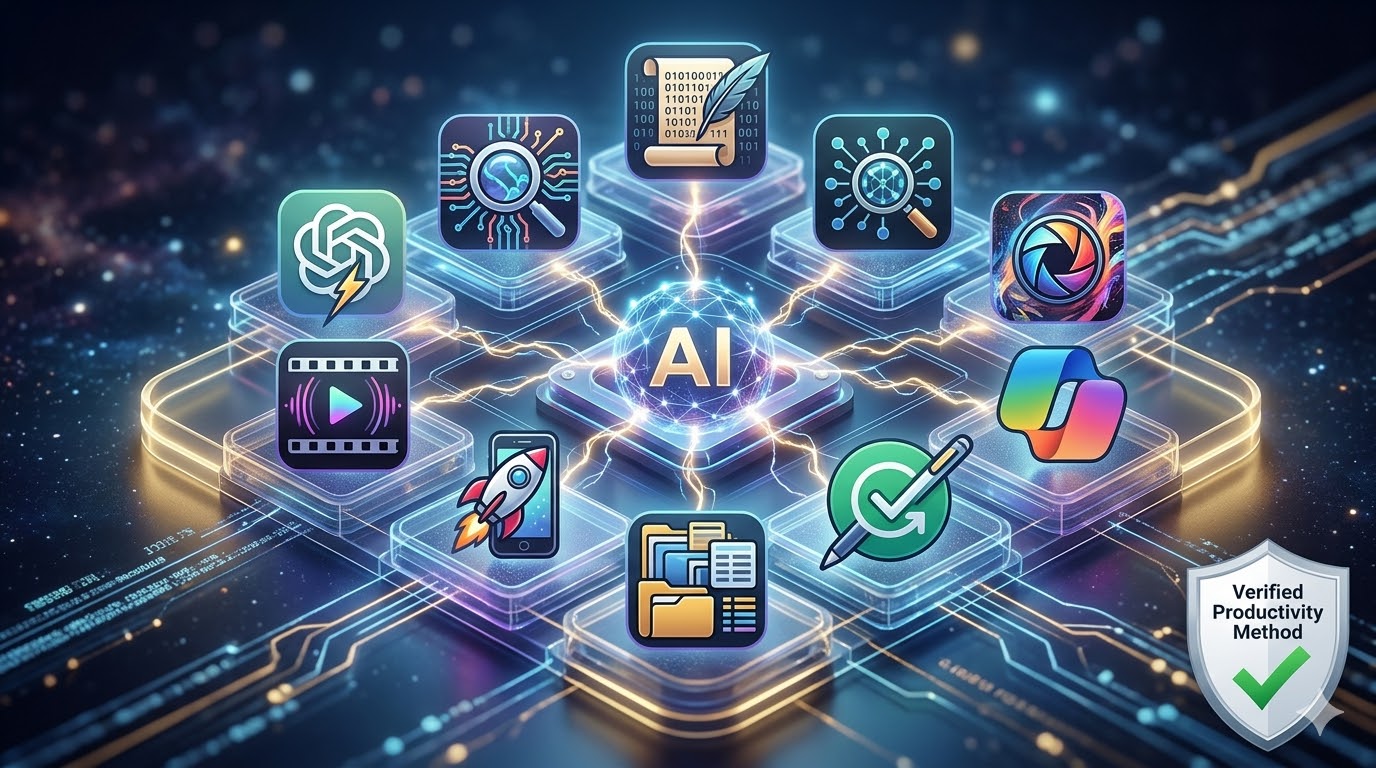
🚀 Top 10 AI Tools for Beginners in 2026: The Ultimate Productivity Guide (Free & Paid)
Artificial Intelligence is no longer a futuristic concept—in 2026, it is the standard for high-performance work. Whether you are a student, a creator, or a professional, these tools are designed to save you hours of manual labor every single day.
In this comprehensive guide, we break down the top 10 AI tools for beginners, comparing their features, pricing, and why they deserve a spot on your bookmark bar.
📊 Quick Comparison: Which AI Tool Do You Need?
| Tool | Best For | Level | Pricing |
| ChatGPT | All-in-one Assistant | Beginner | Free / $20/mo |
| Claude AI | Human-like Writing | Intermediate | Free / Pro |
| Perplexity | Research & Facts | Beginner | Free / Pro |
| Midjourney | Pro-Level Design | Intermediate | Paid Only |
| CapCut | Viral Video Editing | Beginner | Free |

🤖 1. ChatGPT (The King of Versatility)
Best for: Brainstorming, coding, and general assistance.
In 2026, ChatGPT remains the most balanced tool. It isn’t just a chatbot; it’s a multimodal engine that can “see” your photos, “hear” your voice, and execute complex Python code in seconds.
- Pro Tip: Use the “Custom Instructions” feature to make ChatGPT respond in your specific brand voice.
- Pricing: Free (GPT-4o mini) / Plus ($20/month).
🔍 2. Perplexity AI (The Google Killer)
Best for: Fact-checking and deep research.
Unlike other AI, Perplexity provides citations for every claim it makes. If you are writing a research paper or a technical blog for desitech.ai, this is your best friend.
- Why we love it: It searches the live web in real-time, giving you 2026 data, not old training data.
- Pricing: Free / $20 Pro.
✍️ 3. Claude AI (The Most “Human” Writer)
Best for: Long-form blogs and creative storytelling.
Claude by Anthropic is widely considered better than ChatGPT for writing because its tone is less “robotic.” It handles massive 200k-word documents with ease.
- Use Case: Upload a 50-page PDF and ask Claude to find the three most important insights.
- Pricing: Free / Paid.
🎨 4. Midjourney (Professional Visuals)
Best for: High-end branding and digital art.
Midjourney v7 (the 2026 version) produces images that are indistinguishable from real photography. It is the gold standard for creators who need unique featured images.
- Note: It requires a Discord account or access to their dedicated web alpha.
- Pricing: Subscription based.
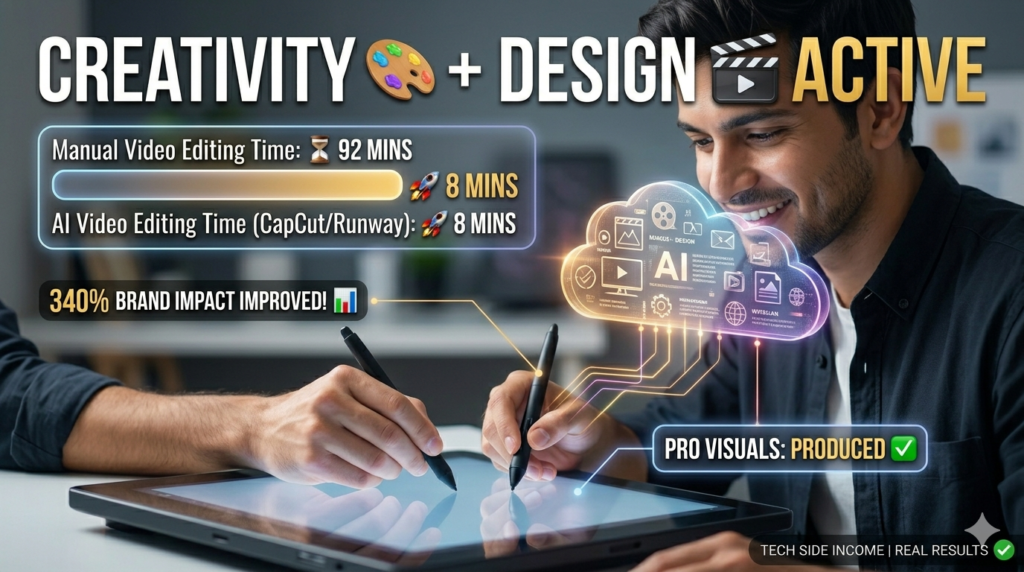
🎬 5. Runway ML (The Future of Video)
Best for: Cinematic AI video generation.
Runway allows you to turn a simple text prompt into a 10-second high-definition video. It’s perfect for b-roll in YouTube videos or social media ads.
- Feature: Use the “Motion Brush” to control exactly which part of your image moves.
- Pricing: Free (limited) / Paid.
✂️ 6. CapCut (AI-Powered Social Media)
Best for: Reels, TikToks, and YouTube Shorts.
CapCut has integrated AI better than almost any mobile app. From Auto-Captions to AI-Script-to-Video, it’s the fastest way to go viral in 2026.
- Pricing: Free (Highly recommended for beginners).
🧠 7. Google Gemini (The Ecosystem Leader)
Best for: Google Workspace users (Gmail, Docs, Drive).
Gemini is now built directly into Chrome. It can summarize your unread emails or help you write a professional response in Google Docs instantly.
- Pricing: Free / Gemini Advanced.
📅 8. Notion AI (The Productivity Hub)
Best for: Organization and project management.
Notion AI lives inside your notes. It can turn a messy list of meeting notes into a structured project plan with deadlines and action items.
- Pricing: Add-on subscription.

✍️ 9. Grammarly (The Essential Editor)
Best for: Error-free professional communication.
Grammarly has evolved from a spell-checker into a full-blown AI writing partner. It helps you rewrite sentences to be more persuasive or professional.
- Pricing: Free / Premium.
📊 10. Microsoft Copilot (The Office Powerhouse)
Best for: Excel, PowerPoint, and Corporate work.
If you work with data, Copilot is essential. It can analyze a complex Excel sheet and create a visual chart in one click.
- Pricing: Included in M365 subscriptions.
🎯 Expert Verdict: Which one should you download first?
If you are overwhelmed, start with this “Starter Pack”:
- ChatGPT for daily questions.
- Perplexity for searching facts.
- CapCut for making content.
🤔 Frequently Asked Questions (FAQ)
Q1: Which AI tool is best for beginners in 2026?
A: For most beginners, ChatGPT is the best overall choice due to its easy-to-use interface and versatility. However, if your primary goal is accurate research with real-time web citations, Perplexity AI is the superior option.
Q2: Are these AI tools completely free to use?
A: Most tools on this list, including Google Gemini, ChatGPT, and Claude, offer generous free tiers that are perfect for casual users. Some specialized tools like Midjourney (images) require a paid subscription, but free alternatives like Canva AI or Microsoft Designer are available for those on a budget.
Q3: Is ChatGPT better than Google Gemini for students?
A: It depends on the task. Google Gemini is often better for students because it integrates directly with Google Docs and Gmail, and it excels at summarizing long research papers. ChatGPT is generally better for step-by-step explanations, solving math problems, and creative brainstorming.
Q4: Can I use AI tools for professional work safely?
A: Yes, but with caution. Tools like Grammarly and Notion AI are designed for professional environments. However, always ensure you aren’t uploading sensitive or private company data into public AI models, and always fact-check AI-generated content before publishing it.
Q5: Do I need to learn “Prompt Engineering” to use these tools?
A: In 2026, AI tools have become much smarter at understanding natural language. You don’t need a technical degree, but learning a few “Pro Tips”—like giving the AI a specific role (e.g., “Act as a professional editor”)—will significantly improve the quality of your results.