
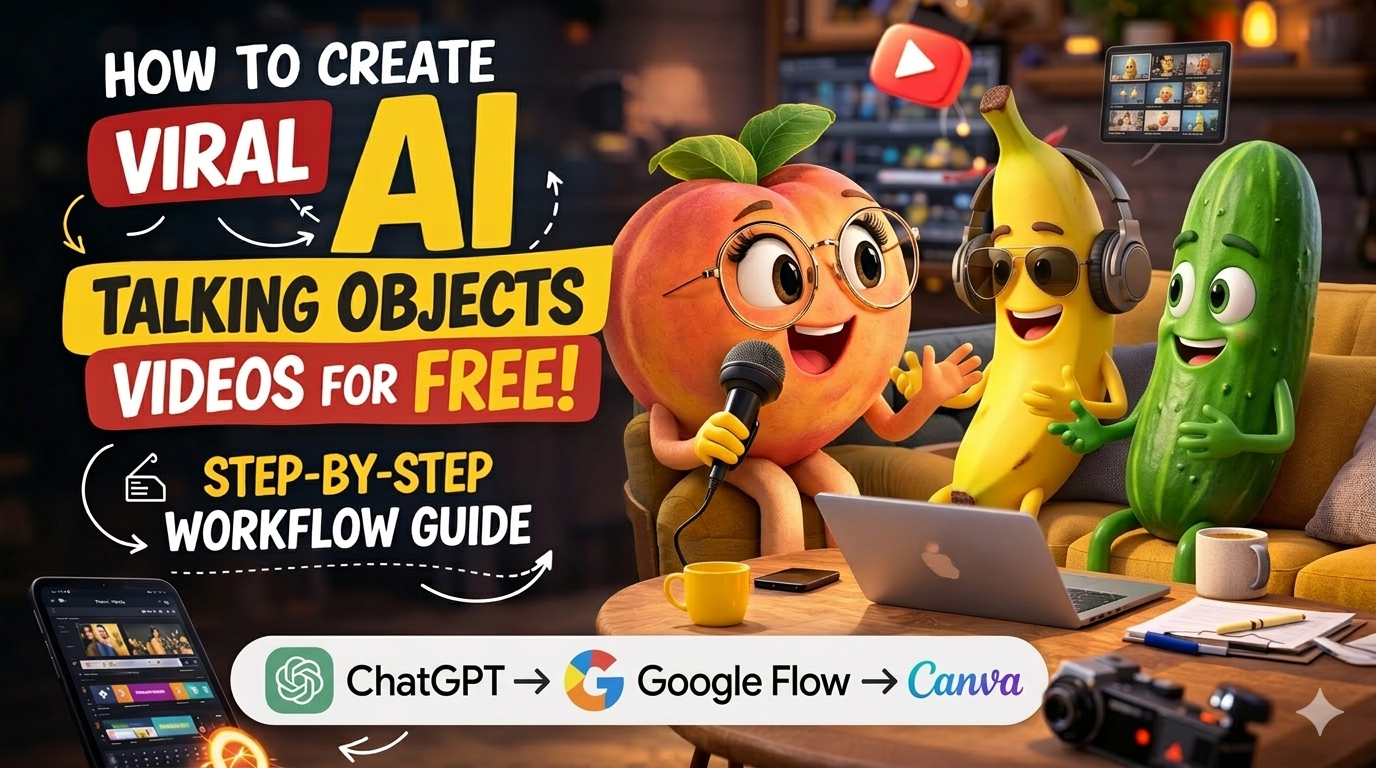
🎬 How to Create Viral AI Talking Objects Videos for Free (Step-by-Step Guide)
AI content is evolving fast, and one of the newest viral trends on social media is AI talking objects videos. Creators are turning everyday items like bananas, rice, coffee cups, or even snacks into funny animated characters that talk to the audience.
These videos are getting millions of views on Instagram Reels, YouTube Shorts, and TikTok because they are funny, creative, and extremely easy to make using AI tools.
The best part?
You don’t need editing skills or expensive software. With the help of tools like ChatGPT and Google Flow, anyone can create these videos in just a few minutes.
In this guide, you will learn how to create viral AI talking objects videos for free.
Scroll down to see the full step-by-step method and the exact prompt used to create these viral AI talking object videos.
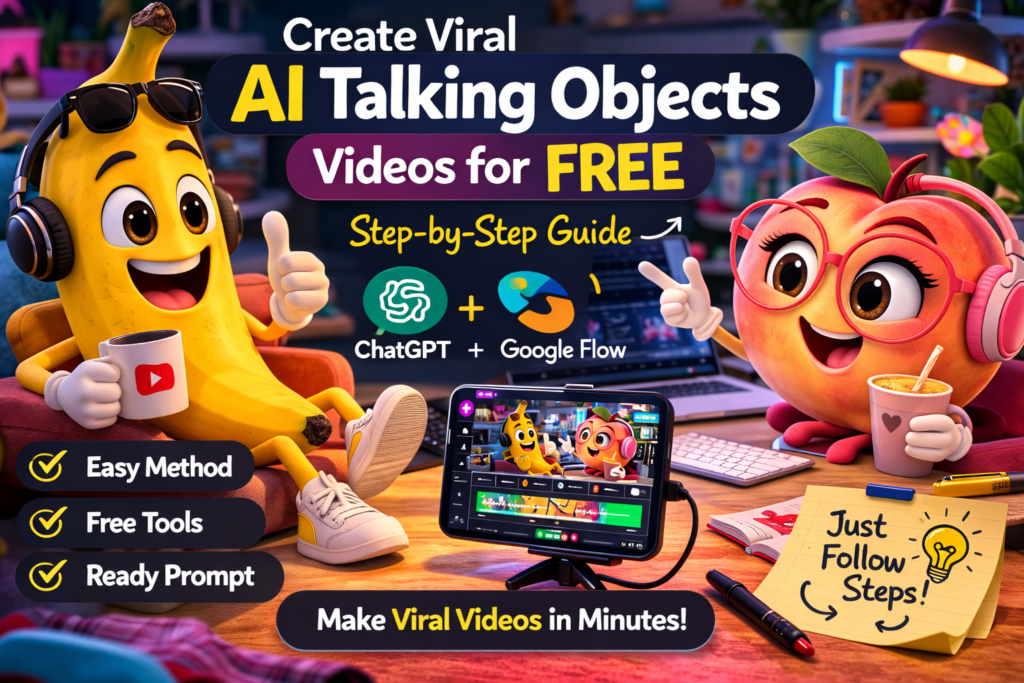
🤖 What Are AI Talking Objects Videos?
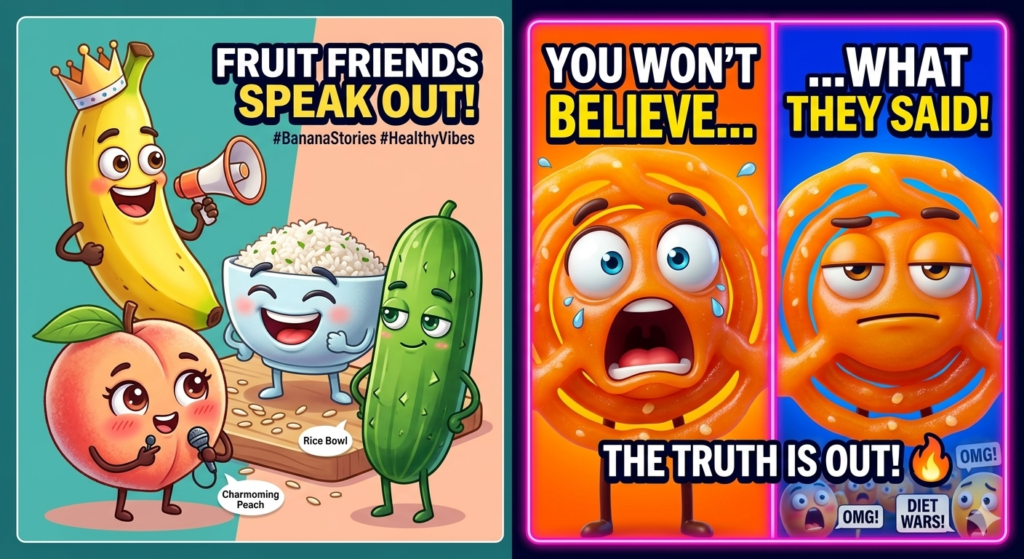
AI talking objects videos are short animated clips where everyday objects behave like characters. The object gets:
- A face or expressive eyes
- A funny script
- A voice or dialogue
- A simple animated video scene
For example:
- A jalebi arguing with rice about diet
- A banana giving life advice
- A coffee cup complaining about Monday mornings
This format is becoming popular because it is simple, relatable, and highly shareable.
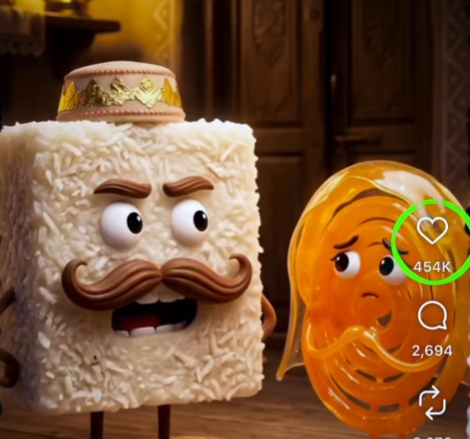
🧠 Why This AI Trend Is Going Viral
Creators are using this format because:
✅ It requires almost zero editing skills
✅ Videos can be made within minutes
✅ Funny object characters are highly engaging
✅ Perfect format for short-form platforms
Platforms like Instagram and YouTube Shorts often promote creative AI content, making it easier for new creators to get views.
🛠 Tools Needed to Create AI Talking Objects Videos
You only need two tools:
1️⃣ ChatGPT – to generate scripts and image prompts
2️⃣ Google Flow – to convert images into animated videos
Both tools make the process extremely simple for beginners.
🧩 Step-by-Step: Create AI Talking Objects Videos
Follow this simple workflow.
Step 1: Open ChatGPT
Go to ChatGPT and open the GPTs section.
Step 2: Search for “Object GPT”
Look for an AI GPT designed to generate talking object scripts and prompts.
Step 3: Enter Your Character
Type your character idea.
Example:
- Rice
- Jalebi
- Banana
- Pizza slice
The AI will generate:
- A funny dialogue script
- Image prompts for the characters
Step 4: Generate Character Images
Use the prompt to create images.
Example prompt format:
A highly detailed, cinematic scene of [CHARACTER NAME] in a bright, colorful environment related to the topic. The character has expressive eyes, animated facial expressions, and is positioned as if speaking directly to the audience. The setting should include elements related to [TOPIC OF THE STORY] placed around the character. Lighting is soft but vibrant, with a playful atmosphere. Style should be 3D animated, Pixar-style, ultra-detailed, vibrant colors, social media friendly composition.
Create one image for each character.

Example:
- Talking Rice character
- Talking Jalebi character
Step 5: Open Google Flow
Go to Google Flow and select Image to Video.
Upload the images you generated.
Step 6: Paste the Script
Copy the script generated by ChatGPT and paste it into the video generation tool.
The AI will animate the characters and create a talking object video automatically.
🎥 Example Viral Idea
Characters:
🍚 Rice
🍯 Jalebi
Story idea:
Rice says:
“Healthy diet karo!”
Jalebi replies:
“Life mein sweetness bhi zaroori hai!”
Short funny conversations like this make perfect viral reels.
📈 Tips to Make Your AI Videos Go Viral
To increase views:
✔ Keep videos under 15 seconds
✔ Use funny dialogues
✔ Add relatable topics
✔ Use bright colorful characters
✔ Upload consistently
Creative storytelling often performs better than complicated edits.
🔥 Why Creators Are Using AI for Short Videos
AI tools are making content creation faster than ever.
Instead of spending hours editing videos manually, creators can now generate scripts, characters, and animations automatically.
This allows anyone to focus on ideas and creativity rather than technical editing.
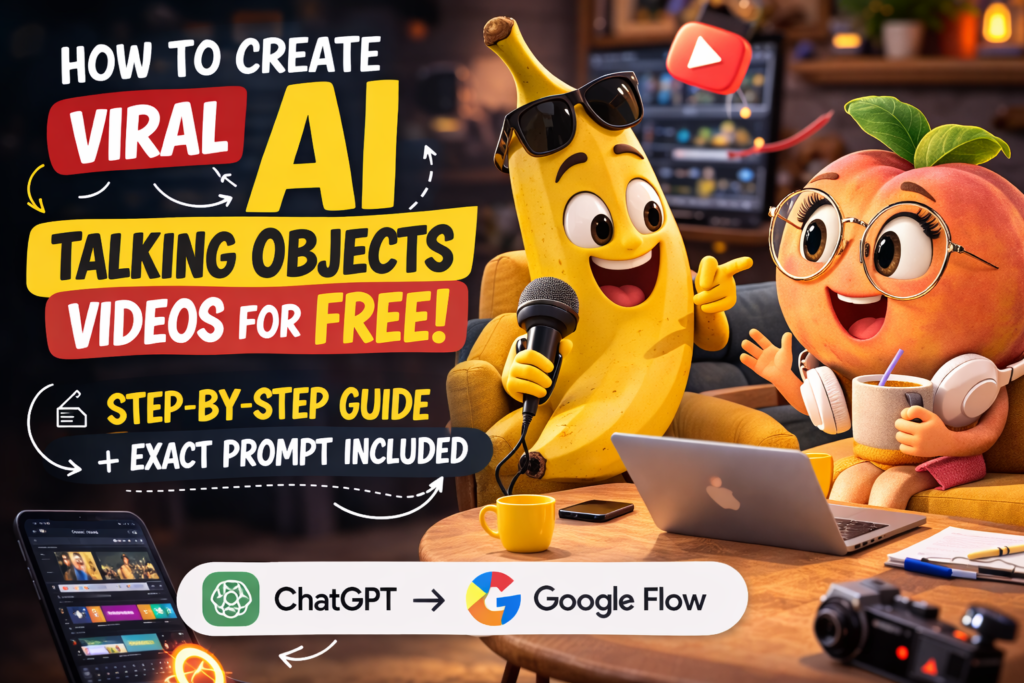
🎨 More AI Talking Objects Poster Ideas

More Guides & Tools (links)
1️⃣ Phone Privacy Guide
If you’re interested in more smart tech tricks, you might also like this guide on how to protect your phone and keep your apps private using hidden features:
👉 Read here:
https://desitech.ai/%f0%9f%93%b1-phone-chori-se-bachne-ka-easy-solution/
2️⃣ Free AI Call Assistant
Want another powerful AI tool? Check out this free AI assistant that can answer calls and help automate conversations.
👉 Explore the tool:
https://desitech.ai/free-ai-call-assistant/
🚀 Bonus for Creators
If you want to grow on Instagram, build an audience, and start earning from your content, having the right strategy and systems can make a huge difference.
This creator framework shows how some creators are building consistent income and growing their pages faster using smart content systems and AI tools.
https://superprofile.bio/vp/the-500k-follower-blueprint–how-we-built-a-₹3l–month-creator-system
🚀 Final Thoughts
AI talking objects videos are one of the most entertaining and beginner-friendly content formats right now. With just a few tools, anyone can create funny animated clips that perform well on social media.
If you enjoy experimenting with AI tools and creative storytelling, this trend is definitely worth trying.
Pingback: honeygain-review-earn-passive-income